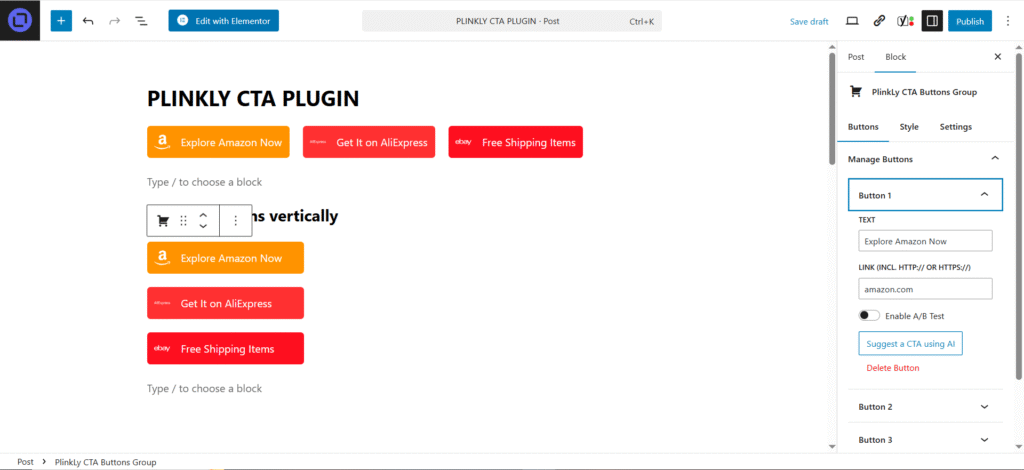
Easily customize colors, icons, and full design with no limits. Buttons automatically adapt to the type of link while staying fully customizable to match your brand.
Manually adjust every detail to create unique button designs. Explore different shapes, icons, and color schemes to match your brand identity and style.
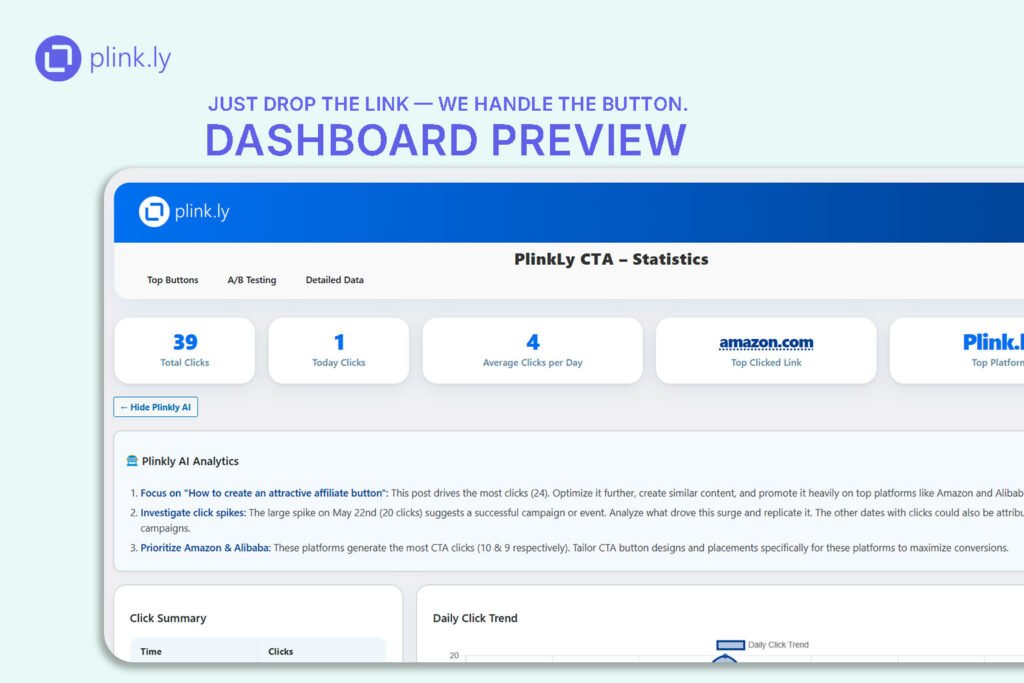
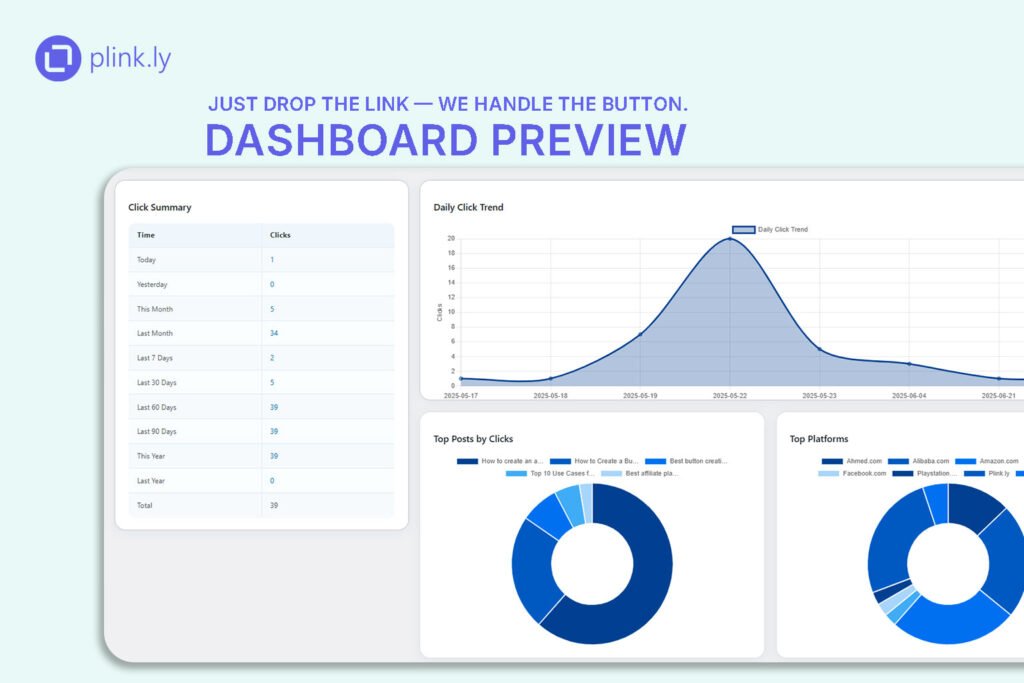
Track clicks, top-performing buttons, and user interactions in real time. The dashboard gives you clear insights with charts, tables, and export options to help you optimize your CTAs.
Seamless WordPress Editor Integration
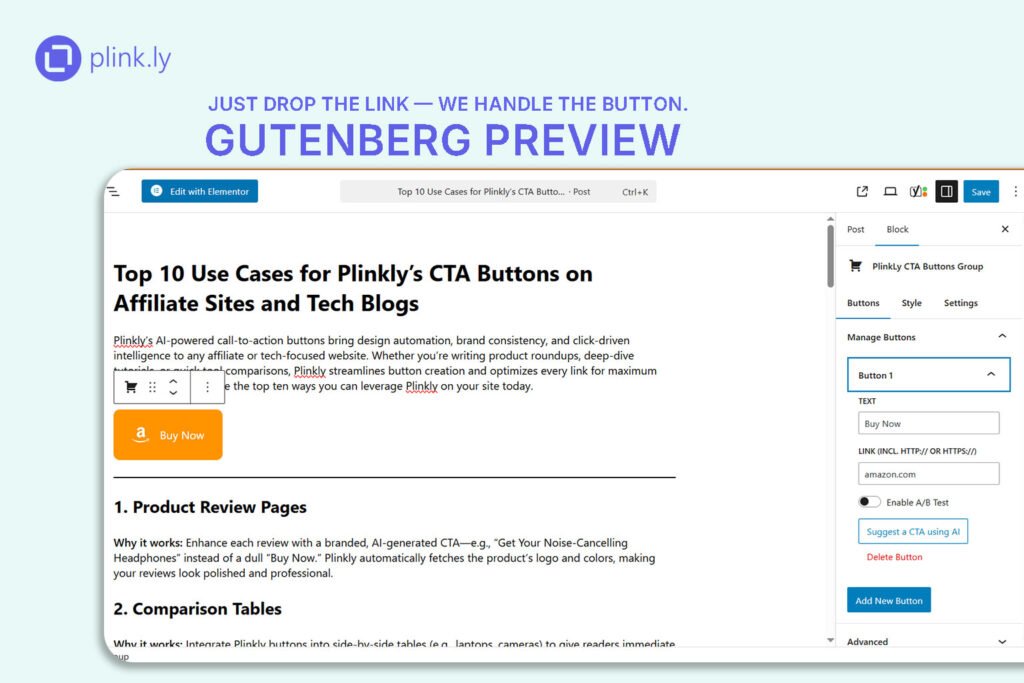
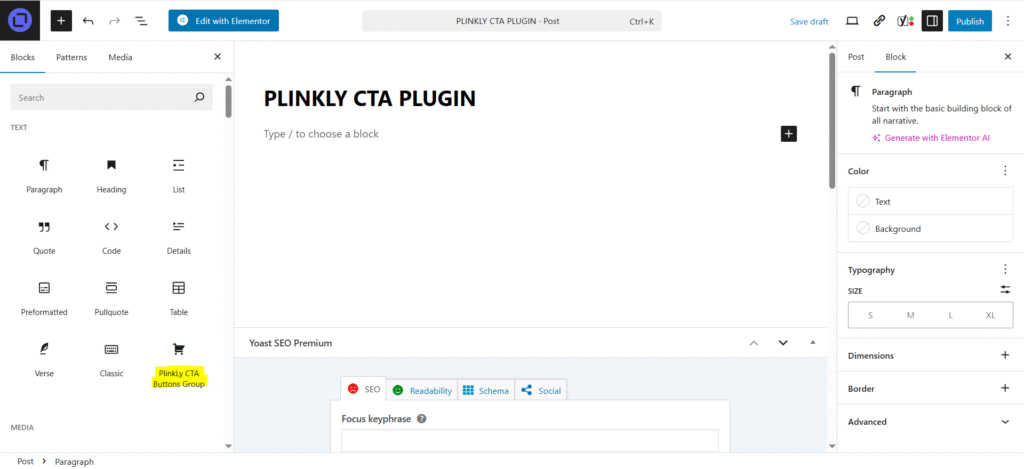
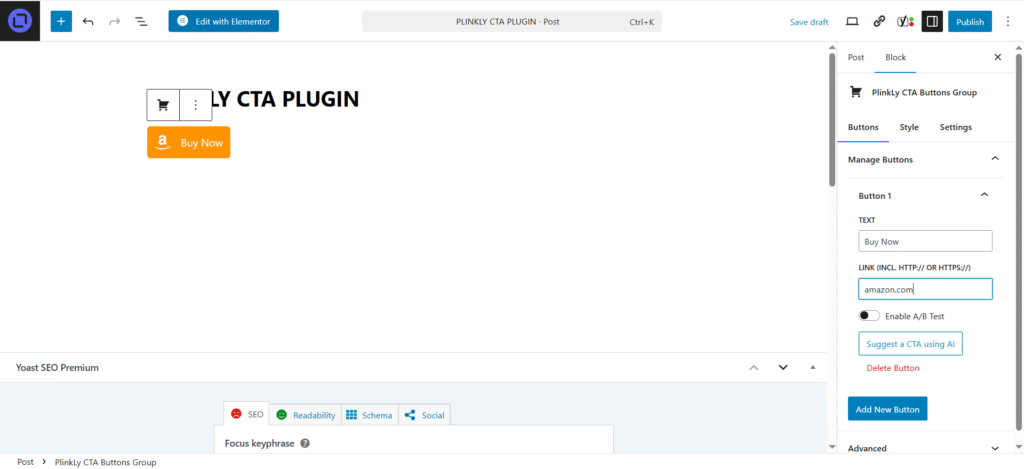
Design and insert CTA buttons directly inside the WordPress editor. Create, customize, and publish without leaving Gutenberg or Elementor — everything is built to feel native and effortless.
Why Plinkly? Powerful Features Built for Affiliates
Plinkly isn’t just another button plugin — it’s your smart companion for link performance. Discover how our advanced tools help you convert more, track better, and customize with ease.
Auto-Styled Buttons
Paste any link — Plinkly instantly adapts the button style, colors, and logo to match platforms like Amazon, AliExpress, and more.
AI-Powered CTA Suggestions
With one click, Plinkly generates high-converting button texts tailored to your link and context — powered by smart AI.
Detailed Click Analytics
Track every click. Get visual charts and insights to understand what drives engagement on your site.
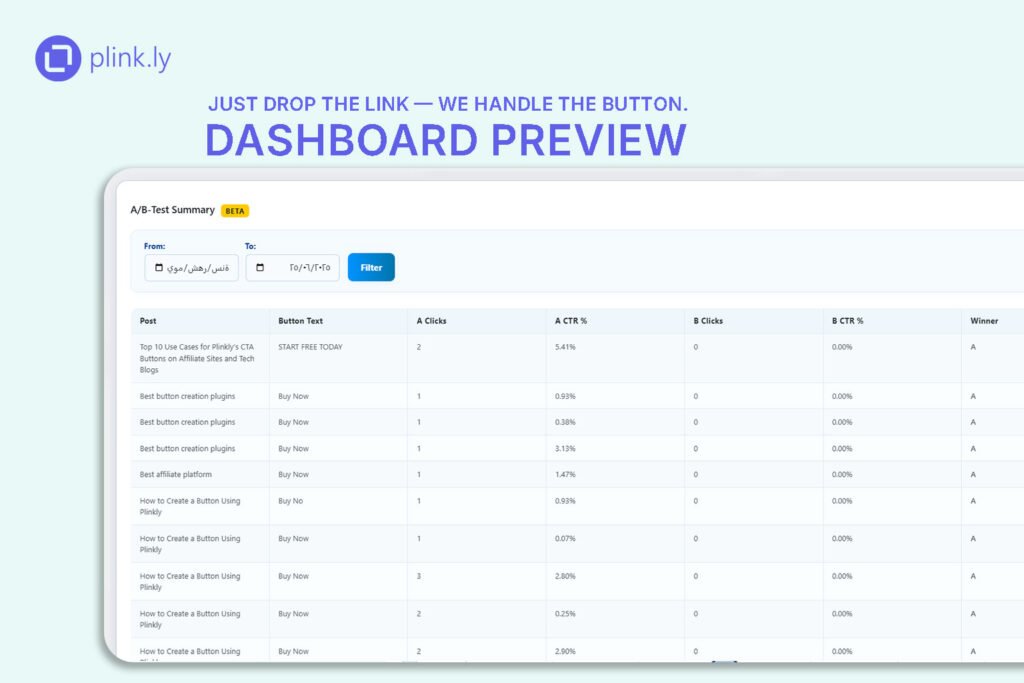
A/B Testing
Test different button texts and styles automatically, and let Plinkly show you what performs best.
Advanced Button Customization
Customize everything — icon position, text, shape, colors — to perfectly match your site’s design and branding.
Secure & Flexible Licensing
Activate Pro features with a secure key system that protects your license from misuse and ensures a smooth upgrade path.